Browser Forward Action
Browser Forward Action performs a forward navigation operation on the active tab of the browser. It navigates the browser forward in its history, similar to clicking the forward button. You can optionally specify a URL to target a specific tab.
Appearance
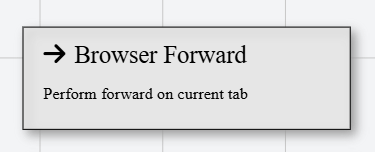
In Talos, Browser Forward Action appears as a standard rectangular node with an arrow pointing right icon.
Properties
As all Actions, Browser Forward Action has a few unique properties that are essential for its functionality.
Common properties
Common properties inherited from Action.
By customizing this property, you can differentiate between same type of actions.
This property is Read only and it is not customizable
See more about Talos Scripting language & Expressions
This property supports expressions. You can use variable references and string expressions to dynamically resolve the URL at runtime.
Examples
Assuming a declared String variable with name baseUrl.
https://www.example.com
https://www.example.com/page/${baseUrl}
${baseUrl}/dashboard