Close Application Action
Close Application Action closes a running application by its executable name or process ID (PID). It allows workflow automations to terminate applications that were previously opened or are no longer needed.
Appearance
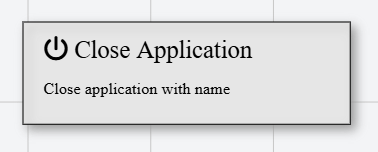
In Talos, Close Application Action appears as a standard rectangular node with a power-off icon.
Properties
As all Actions, Close Application Action has a few unique properties that are essential for its functionality.
Common properties
Common properties inherited from Action.
By customizing this property, you can differentiate between same type of actions.
This property is Read only and it is not customizable
Available options:
- Name: Find the application by its executable name
- PID: Find the application by its Process ID
This property is only available when Find By is set to Name.
This property is only available when Find By is set to PID. The value must be greater than 0.