Close Word Window Action
Close Word Window Action closes the currently opened Word application window entirely. Unlike Close Word Document, this action shuts down the entire Word instance. It optionally allows disabling close warnings to avoid save prompts during automated execution.
Appearance
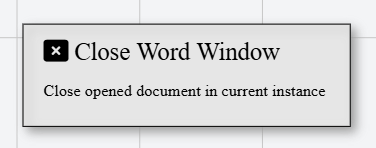
In Talos, Close Word Window Action appears as a standard rectangular node with a squared x mark icon.
Properties
As all Actions, Close Word Window Action has a few unique properties that are essential for its functionality.
Common properties
Common properties inherited from Action.
Display NameString
This is the display name of the action.
By customizing this property, you can differentiate between same type of actions.
Action IDString
Indicates the unique ID of this action.
This property is Read only and it is not customizable
DisabledBoolean
If set to true, this action is considered disabled and will not be executed.
Word InstanceString
Variable that stores the currently opened Word instance.
Disable warningBoolean
If true, the window will close without prompting to save changes.