Extract Web Data Action
Extract Web Data Action extracts data from a web page. It navigates to a specified URL and extracts data based on the configured extraction type. Currently supports extracting single values, with table-based extraction types planned for future releases.
Appearance
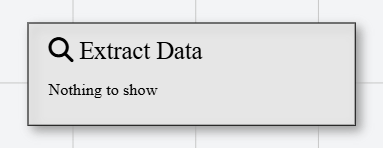
In Talos, Extract Web Data Action appears as a standard rectangular node with a magnifying glass icon.
Properties
As all Actions, Extract Web Data Action has a few unique properties that are essential for its functionality.
Common properties
Common properties inherited from Action.
Display NameString
This is the display name of the action.
By customizing this property, you can differentiate between same type of actions.
Action IDString
Indicates the unique ID of this action.
This property is Read only and it is not customizable
DisabledBoolean
If set to true, this action is considered disabled and will not be executed.
URLString
This is the URL to open.
Output VariableVariable
The variable to store the extracted data.
Extraction TypeEnum
The type of extraction to perform.
Available options:
- Single Value — Extract a single value from the page
- Table — Coming soon!
- Table Row — Coming soon!
- Table Column — Coming soon!