Add New Sheet Action
Add New Sheet Action adds a new sheet to an already open spreadsheet file.
Appearance
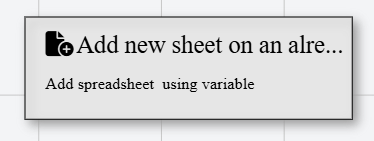
In Talos, Add New Sheet Action appears as a standard rectangular node with a file that includes a circle with the plus icon.
Properties
As with all Actions, Add New Sheet Action has a set of unique properties required for its functionality.
Common properties
Common properties inherited from Action.
Display NameString
This is the display name of the action.
By customizing this property, you can differentiate between same-type actions.
Action IDString
Indicates the unique ID of this action.
This property is Read only and it is not customizable
DisabledBoolean
If set to true, this action is considered disabled and will not be executed.
Document VariableString
The variable name that contains the open xlsx file.
This is typically populated by a preceding Open Spreadsheet action.
tip
Ensure the file is open before this action executes. Referencing a closed or uninitialized variable will result in a runtime error.
Sheet NameString
The newly added sheet name.